ISLAMABAD · RAWALPINDI · ATTOCK · JHELUM · CHAKWAL
IESCO New Connection – Apply Online, Fee, Requirements & Tracking
Building a new home or opening a business? Here’s the complete, official process for applying for an IESCO new connection — documents, the online application, demand notice, fees, and how to track your application until the meter is installed.
Last updated 2026 · IESCO has moved new-connection processing from the older ENC portal to its e-OPS system. Always confirm current fees and timelines on your Demand Notice or at your local Customer Facilitation Center.
Getting started
What is an IESCO new connection?
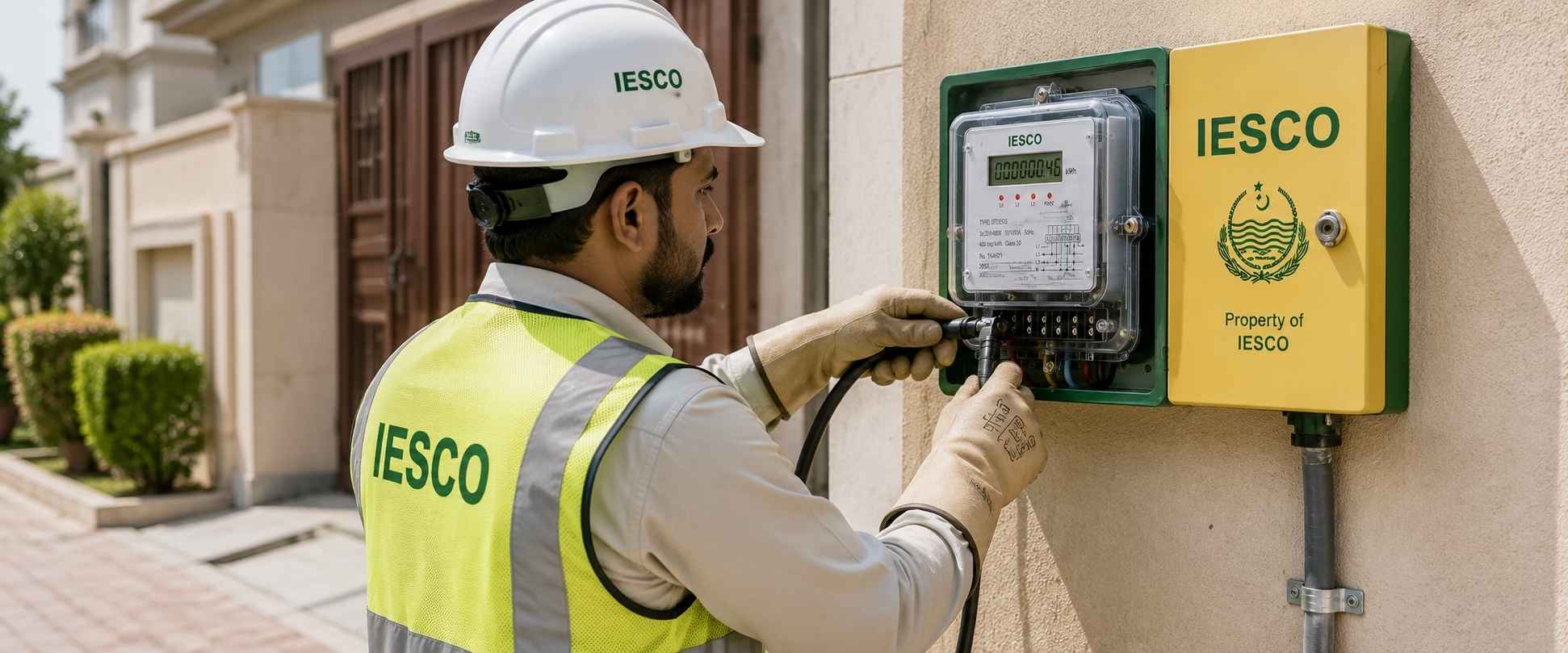
IESCO, short for Islamabad Electric Supply Company, is the electricity distribution company responsible for supplying power to Islamabad Capital Territory and the districts of Rawalpindi, Attock, Jhelum, and Chakwal. A “new connection” applies to any property that has never had a meter before — a newly built house, a new shop, or a new industrial unit.
This is different from services on an existing connection, such as name change, load extension, or tariff change, which follow a separate process. Every new connection application — residential or commercial — goes through document verification and a site inspection before a meter is installed.
Before you apply
Documents required for IESCO new connection
Gather these in advance — incomplete paperwork is the top reason applications get delayed.
Core documents
- ✓ Ownership proof of the premises (an electricity connection alone is not proof of ownership)
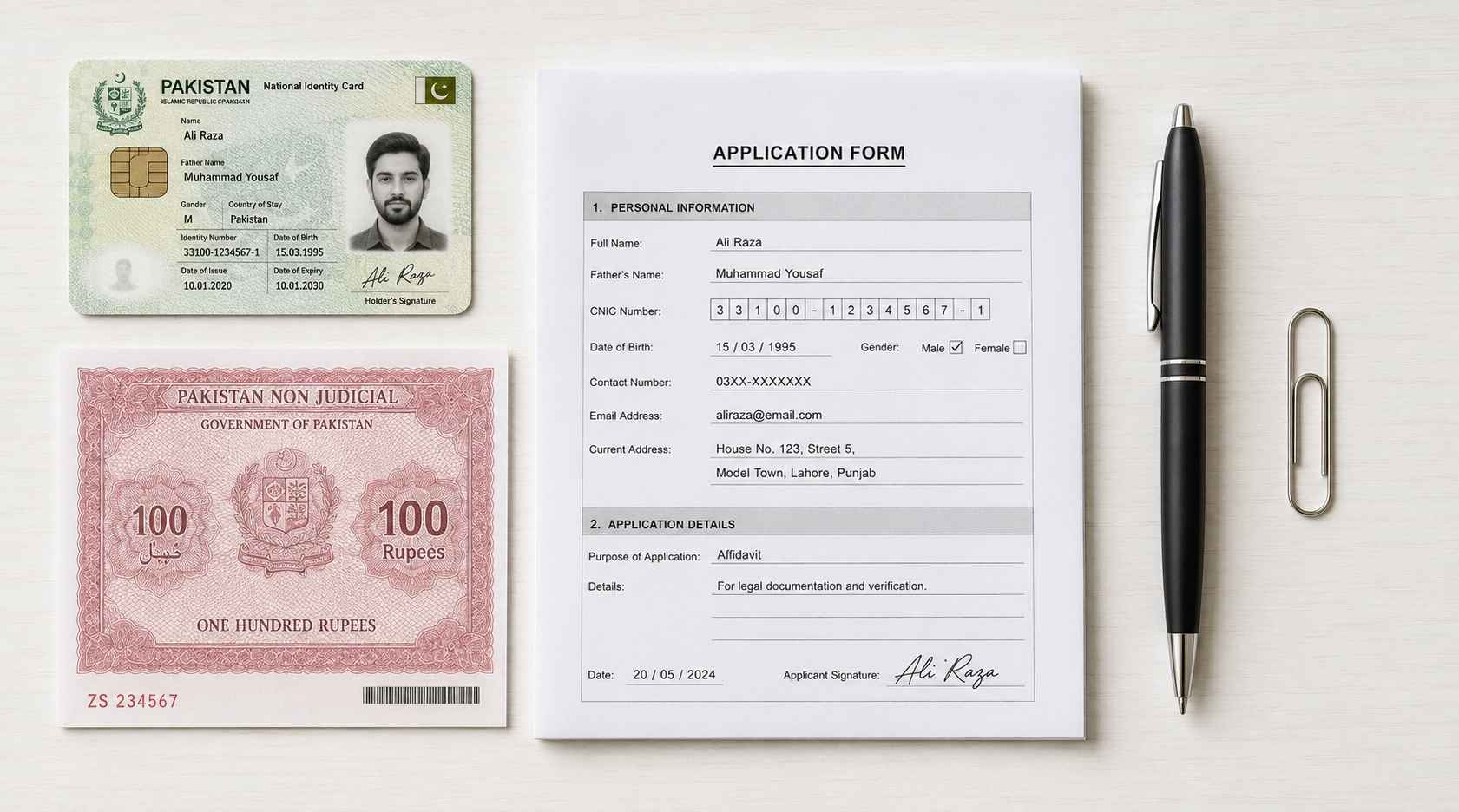
- ✓ Affidavit on Rs. 50 non-judicial stamp paper — confirms no prior connection existed and no defaulted dues
- ✓ Attested CNIC of the applicant and one witness (two witnesses for three-phase)
- ✓ Wiring test report from an Electric Inspector or an authorized wiring test contractor
- ✓ A copy of a neighboring/adjacent premises’ IESCO bill — helps IESCO identify the correct feeder faster
Depending on your case
- ✓ Tenants: NOC from the owner/landlord, plus the landlord’s attested CNIC
- ✓ Companies: certificate of incorporation, board resolution, and directors’ CNICs
- ✓ Approved site/layout plan or civic agency NOC (relaxed for rural properties)
- ✓ Power of attorney, where the applicant is acting through a representative
- ✓ Stone-crushing plants: EPA NOC and a dust-protected metering room
Keep scanned copies clear, correctly oriented, and reasonably sized. Blurry or oversized files are a common cause of rejection at the document verification stage.
Step by step
How to apply for IESCO new connection online
IESCO previously processed new-connection requests through the ENC (Electricity New Connection) portal. IESCO has since moved this service onto its own e-OPS system — apply through the Power Smart app, the IESCO Smart App, or in person at a Customer Facilitation Center (CFC). If you’re redirected from an old ENC link, that’s expected — it now points to IESCO’s current portal.
Choose your channel
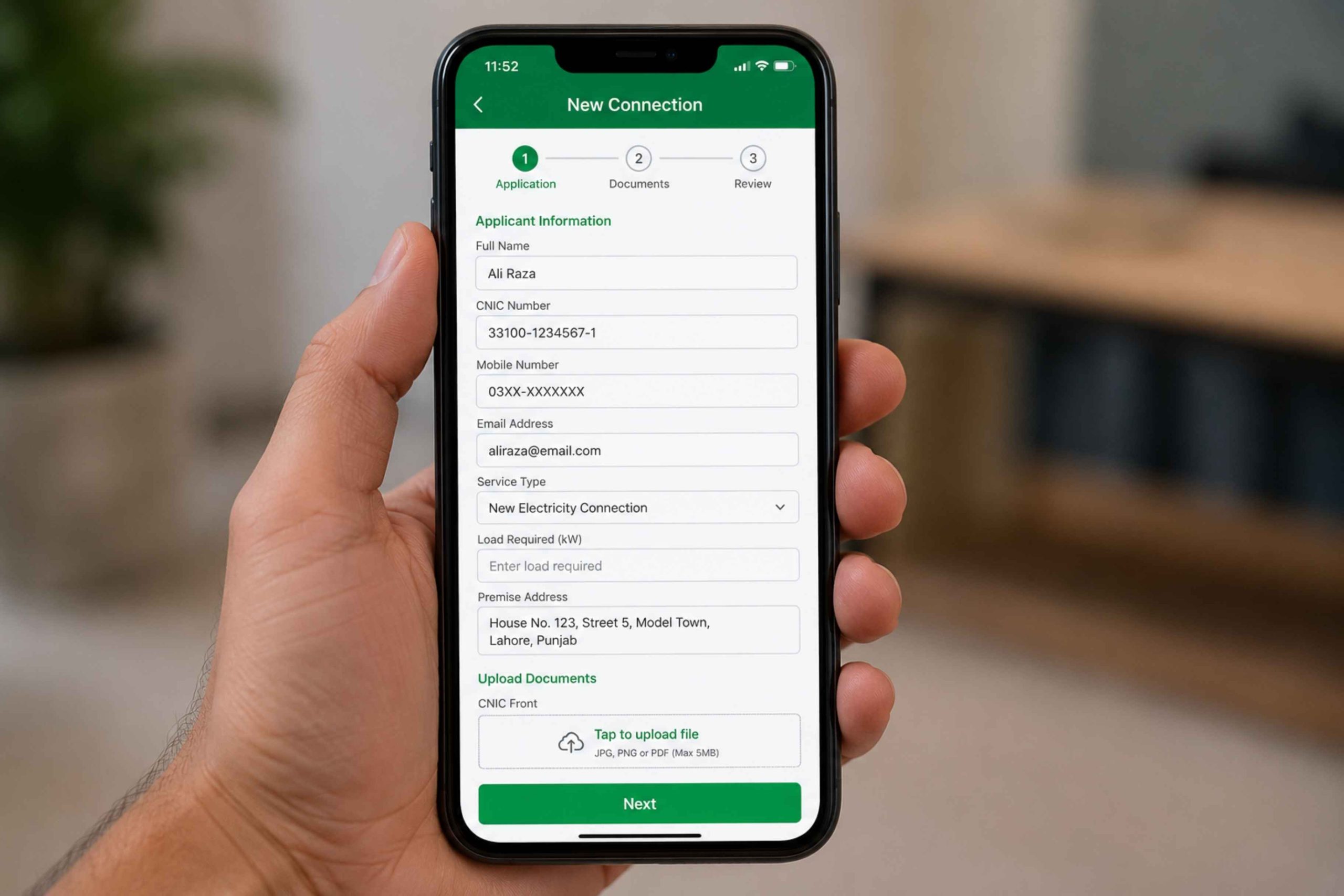
Open the Power Smart or IESCO Smart App, or visit IESCO’s current online new-connection portal, and select “New Connection.”
Enter applicant & property details
Fill in your name, CNIC, property address, connection type, and requested load.
Upload required documents
Attach scanned copies of CNIC, ownership proof, affidavit, NOC (if applicable), neighbor’s bill copy, and wiring test report.
Submit the application
You’ll receive an acknowledgement with a serial number, tracking ID, or case ID — save it immediately.
Submit the physical file
Print the submitted form and take it, with original/attested documents, to your nearest IESCO office or CFC for verification.
Site verification
IESCO staff review documents and, in most cases, visit the site to check load feasibility and wiring safety.
Demand notice & installation
Once approved, IESCO issues a Demand Notice. After payment, meter installation is scheduled.
Submitting online isn’t the finish line. If the printed form and original documents aren’t handed in at your local IESCO office within a short window after online submission, the application can be rejected and you’ll need to start again. Always follow up in person promptly.
Prefer applying fully in person? The same Annex-I and Annex-II forms are available free at every IESCO subdivision, division, and circle office — staff there can help you fill them out at no cost.
Paperwork
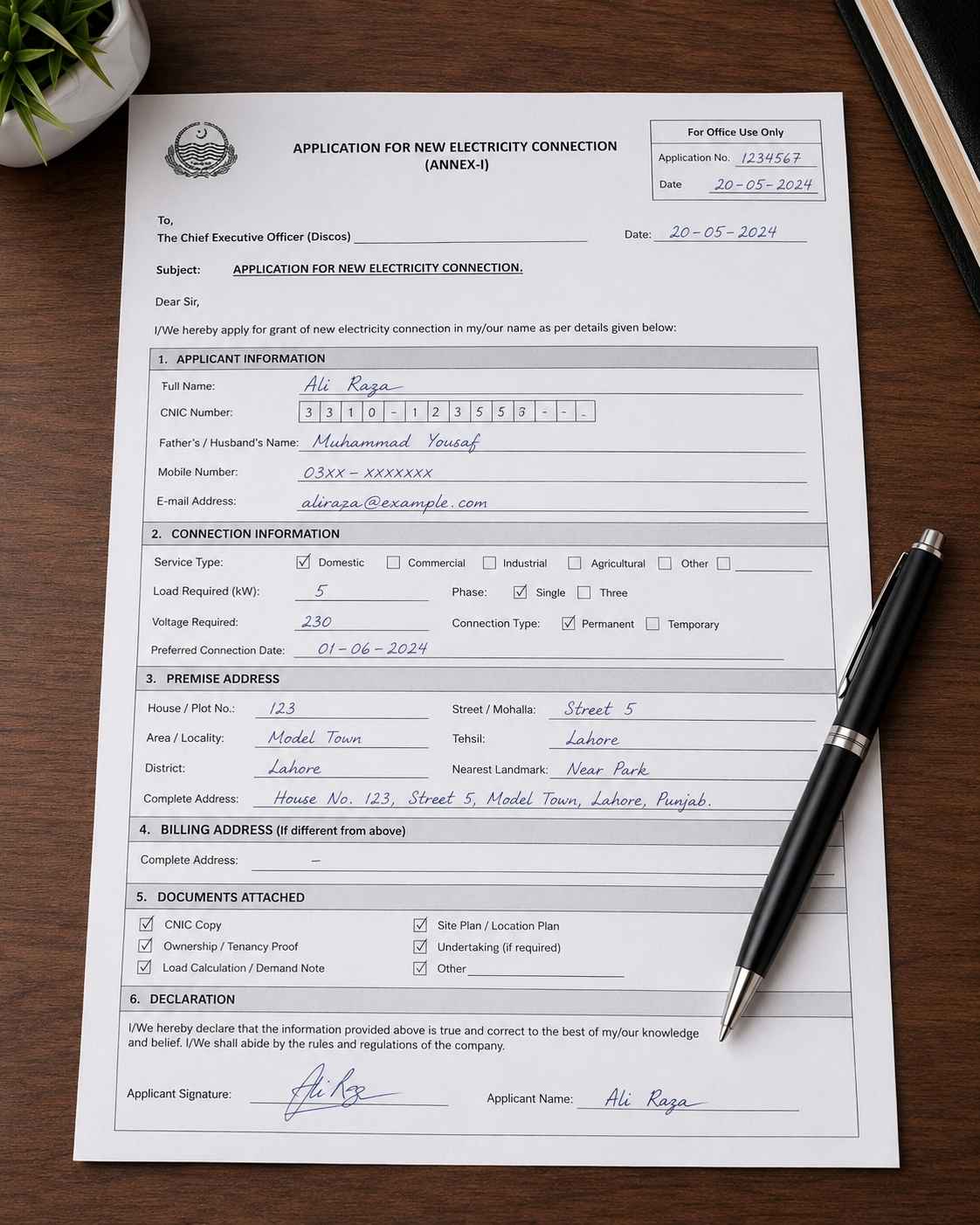
IESCO new connection application form
Application Form
The main new-connection request form, available in English and Urdu.
Power Supply Contract
Formalizes the agreement between the consumer and IESCO.
Online or in person
Fill both through IESCO’s current online portal or Smart App, or collect free physical copies at your local IESCO office.
Alongside Annex-I and Annex-II, IESCO also publishes a Procedure guide, connection Conditions, a downloadable NOC template, and the Affidavit/undertaking format — ask for these at your local office if you can’t find them online.
Common form errors
- ✕ CNIC or address details inconsistent with ownership/NOC documents
- ✕ Uploading unattested copies where attestation is required
- ✕ Choosing the wrong connection category for the intended use
- ✕ Forgetting the second witness CNIC on three-phase applications
What it costs
IESCO new connection fee & charges
Connection charges follow rates approved by NEPRA under Rule 11 of the Licensing (Distribution) Rules, 1999. There is no single flat fee — the amount is calculated per application and only becomes final on your Demand Notice.
| Component | How it’s calculated |
|---|---|
| Material cost (X) | Actual cost of poles, cable & hardware needed, plus 12% store handling charges |
| Installation charges | 8% of X |
| Electrification design vetting | 1.5% of X — housing societies, high-rises & commercial plazas only |
| Security deposit | Set separately, based on connection type and sanctioned load |
Because material cost depends on service-line length and sanctioned load, the total varies between applicants. Once a Demand Notice is issued and paid in full, IESCO cannot raise further charges due to material cost increases.
For a rough idea before your Demand Notice arrives, connection charges are typically banded by service-line distance:
| Service line length | Single-phase (approx.) | Three-phase (approx.) |
|---|---|---|
| Up to 20 meters | ~ Rs. 8,500 | ~ Rs. 36,500 |
| 21 – 30 meters | ~ Rs. 10,500 | ~ Rs. 43,000 |
| 31 – 40 meters | ~ Rs. 11,500 | ~ Rs. 50,000 |
| Above 40 meters | Base charge + per-meter rate for extra distance | Actual material cost, per latest IESCO schedule |
Published rate cards for these brackets differ from one source to another, and NEPRA revises connection charges from time to time. Use this table only to get a rough sense of scale — the figure on your own Demand Notice is the one that applies to you.
The official invoice
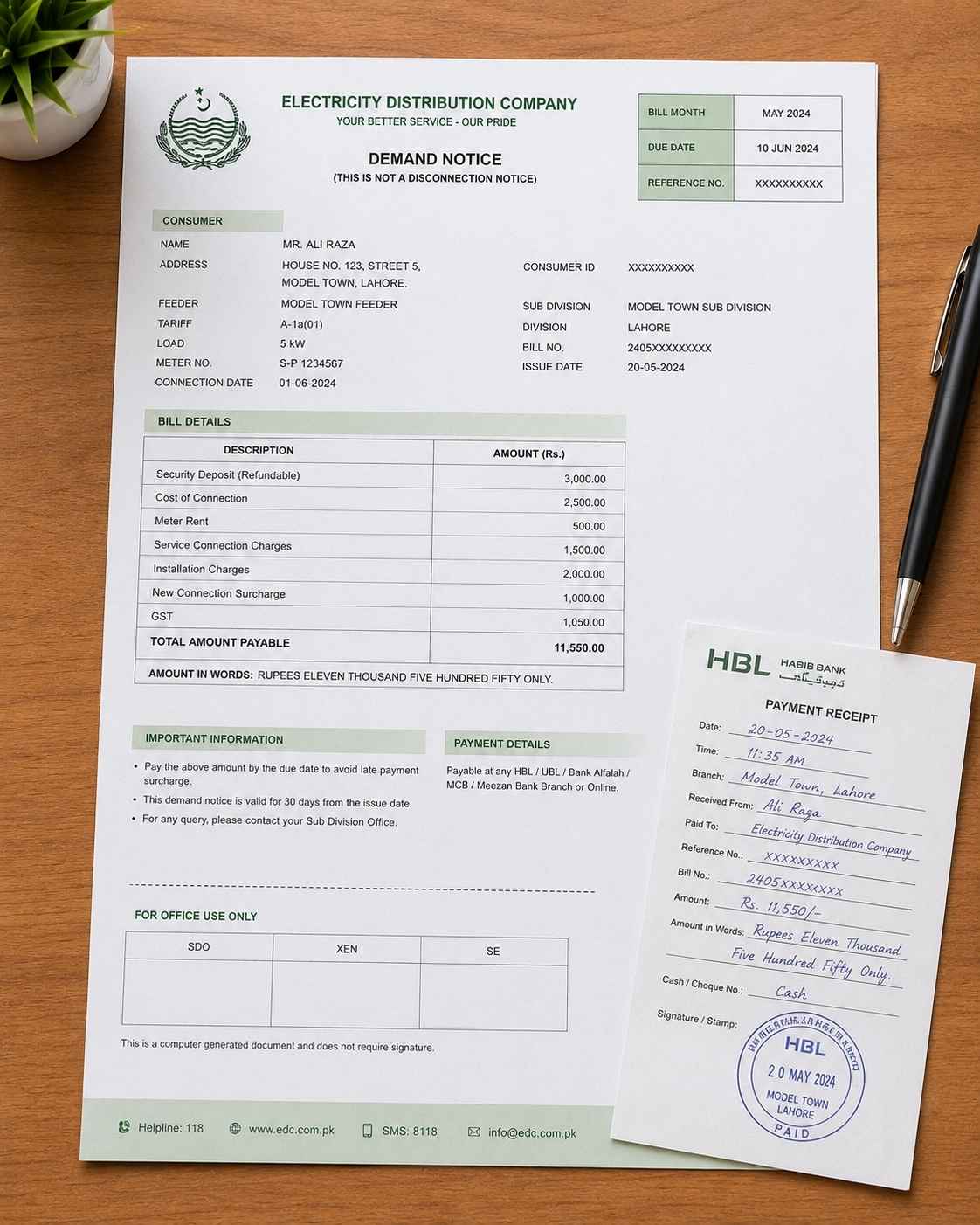
IESCO demand notice explained
Your connection invoice
Issued once your application clears document verification and site inspection. It lists the connection charges and security deposit due before meter installation.
Delivery & payment
- ✓ Sent by registered post, courier, or email, or downloadable via your tracking/case ID
- ✓ 30 days to pay, from date of issue
- ✓ One 30-day grace period available if requested 3+ days before expiry
- ✓ Payable at designated banks, or online where available
Hold on to the paid Demand Notice — it’s often required again at the time of meter installation. If a notice lapses unpaid without an extension, the application may need to be reprocessed.
Stay updated
How to check IESCO new connection tracking status
Open your application channel
Use the Power Smart app, the IESCO Smart App, or IESCO’s online new-connection portal.
Select tracking / application status
Choose the option to check an existing new-connection application.
Choose IESCO
Select IESCO from the list of distribution companies before searching, if the tool covers more than one DISCO.
Enter your ID
Use your Tracking ID, Case ID, or CNIC (without dashes), exactly as recorded at submission.
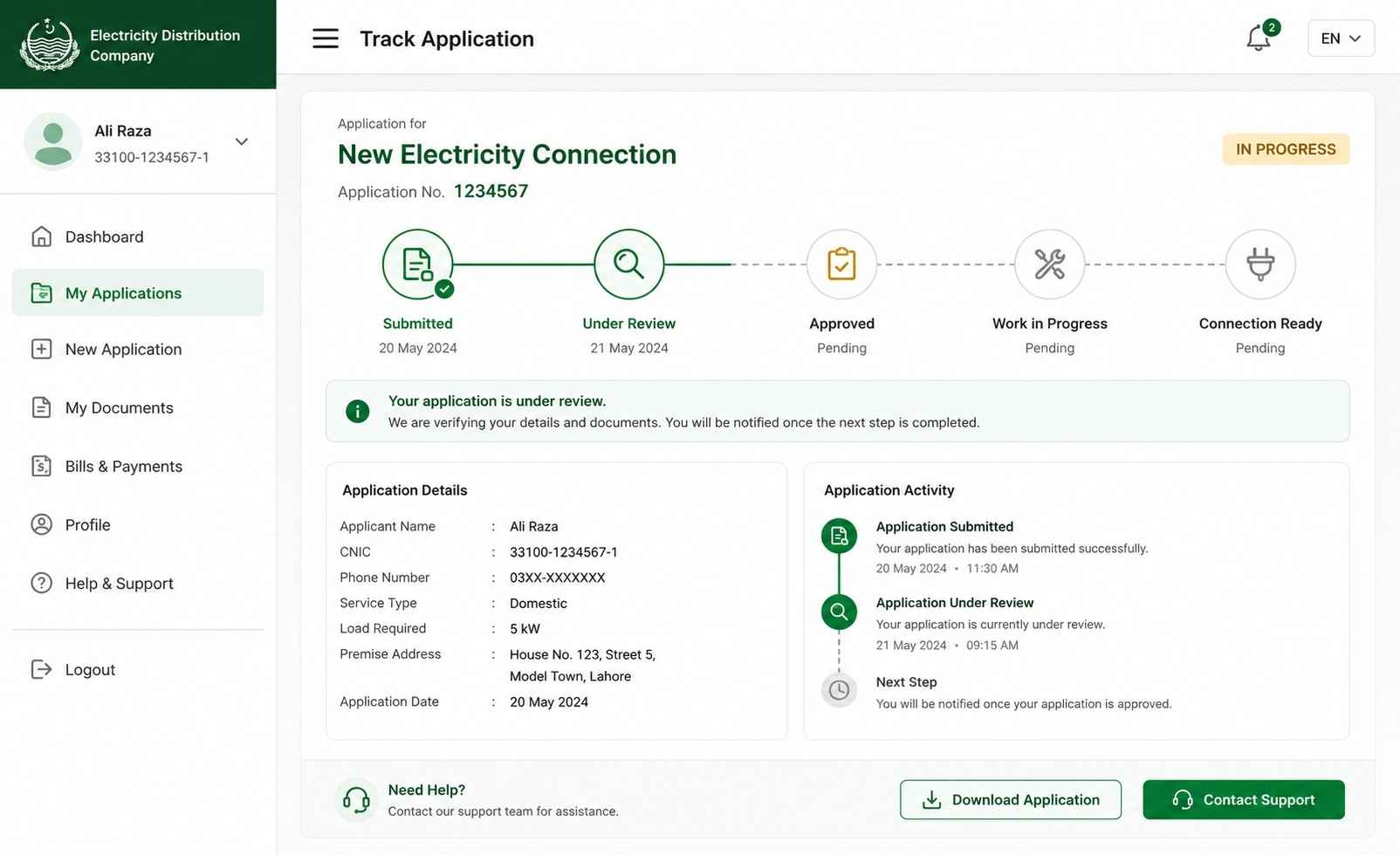
Typical status stages you’ll see on the portal:
No record showing? Double-check the ID format and confirm you’ve selected IESCO, not a neighboring DISCO, in the dropdown.
What to expect
IESCO new connection timeline
Processing time is mainly driven by your sanctioned load. Published timeframes for connections up to 400V are:
| Load requirement | Typical timeframe |
|---|---|
| Up to 15 kW | 30 days |
| Above 15 kW, up to 70 kW | 53 days |
| Above 70 kW, up to 500 kW | 73 days |
| Above 500 kW, up to 5000 kW | 106 days |
| Supply at 66kV and above | Assessed case-by-case — can run well beyond a year |
Within that window, every application still moves through the same stages:
Submission
Instant, once documents are uploaded or submitted in person.
Document review
IESCO checks paperwork for completeness.
Site inspection
Technical staff assess load and wiring feasibility.
Demand notice
Issued shortly after approval.
Payment window
30 days, extendable by request.
Meter installation & testing
Technicians install the meter, then test voltage and current before energizing the connection.
These are published guideline timeframes, not guarantees — actual processing can vary by subdivision workload and document readiness.
Match the right category
Types of IESCO electricity connections
Domestic connection
For houses, flats, and residential properties. Generally uses a single-phase meter.
Commercial connection
Shops, offices, and restaurants. May be single or three-phase, depending on load.
Industrial connection
Factories and manufacturing units — almost always three-phase, with extra technical vetting.
Agricultural connection
For tube wells and farm-related loads, with its own documentation path.
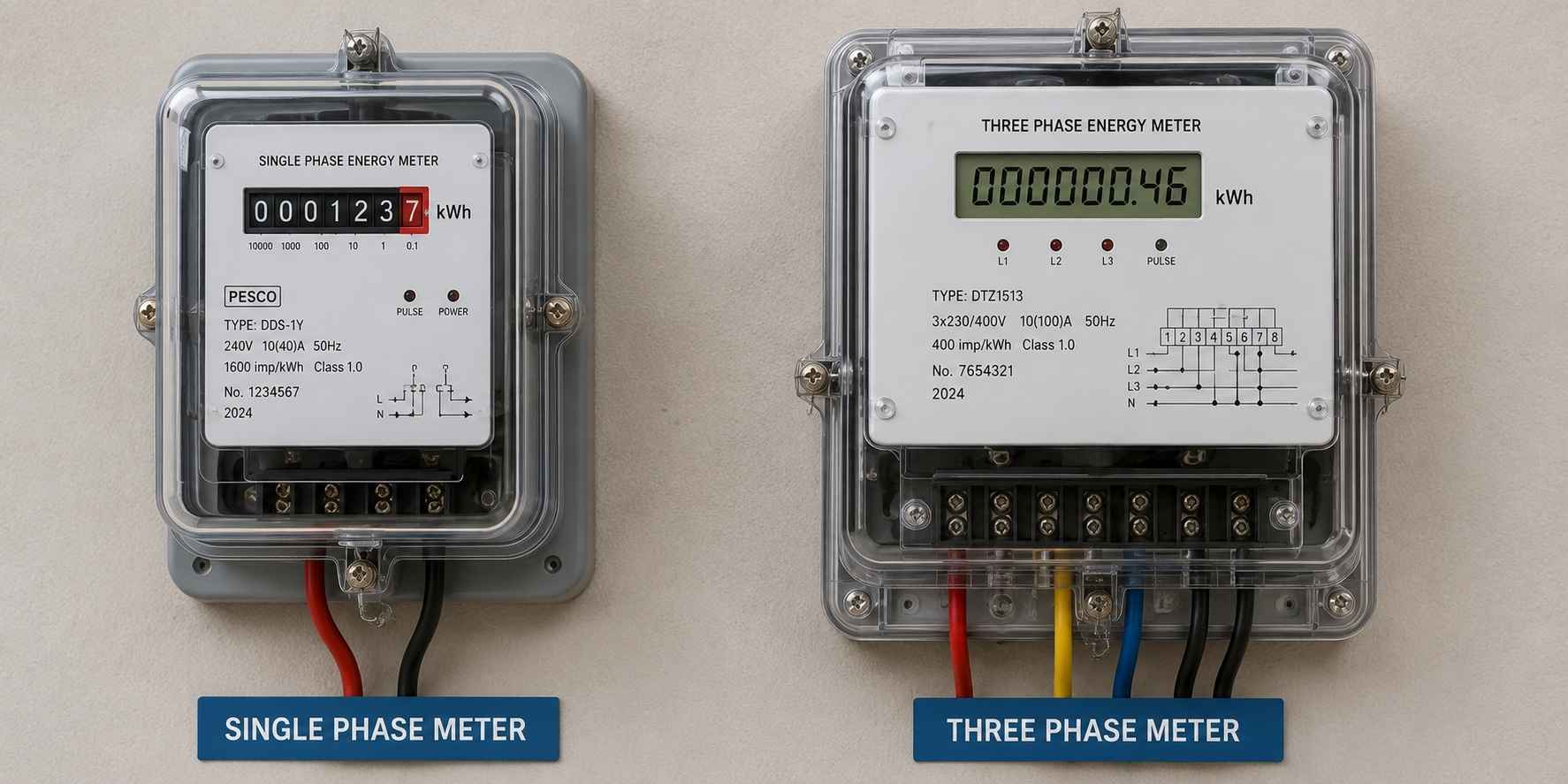
Lower-load meter
Suits most homes and small shops.
Higher-load meter
Needed for larger commercial spaces, workshops, and industrial units. Requires a second witness CNIC.
Avoid the wait
Common reasons applications get delayed
- ✕ Missing or unattested documents
- ✕ CNIC details that don’t match across forms
- ✕ Unclear or blurry scanned uploads
- ✕ Ownership or NOC disputes needing extra checks
- ✕ Missing wiring test report
- ✕ Late payment of the Demand Notice
- ✕ Site access issues during inspection
- ✕ Incomplete civic agency approvals
Most of these are avoidable simply by preparing every document correctly before starting the online application.
Good to know
Official help while you apply
Customer Facilitation Centers
Every subdivision has a CFC where staff assist with forms, documents, and application status — free of charge.
Call 118 or SMS 8118
For general queries on your application or connection, IESCO’s helpline can point you to the right office.
Authorized test contractors
IESCO publishes a list of authorized wiring test contractors — use one of these, or an Electric Inspector, for your test report.
FAQ
Common questions about IESCO new connection
This guide is based on IESCO’s published consumer guide, its official website, and commonly published processing timeframes and rate cards. Fees, portals, and timelines change from time to time — always confirm current details on your Demand Notice, the current IESCO app/portal, or at your local Customer Facilitation Center.